The expense settings page allows you to change various aspects of how the Dashboard handles expenses. Below are the various settings and their explanations.
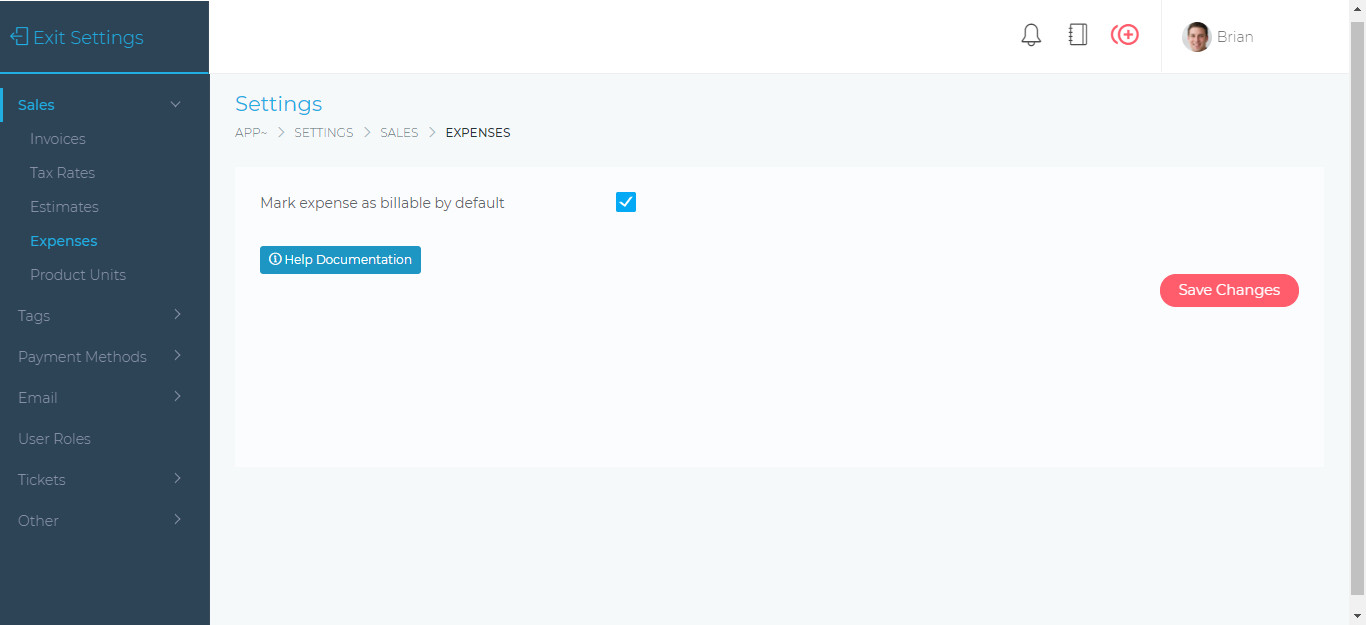
Mark expense as billable by default – When enabled, every new expense that is being created will be marked as billable. This setting can be changed when creating a new expense.
Facebook Comments