Most problems/errors that you encounter with Grow CRM, are recorded in the error logs. Whenever you get in touch with us for help, you may be asked to send us your error logs.
This section will show you how to download and view your error logs.
DOWNLOADING ERROR LOGS
You will need to login to your web hosting control panels File Manager (you can also use an FTP client if you prefer)
The default images are found in the folder yourdomain/public_html/application/storage/logs. Please note that this path will differ, depending on your web hosting setup.
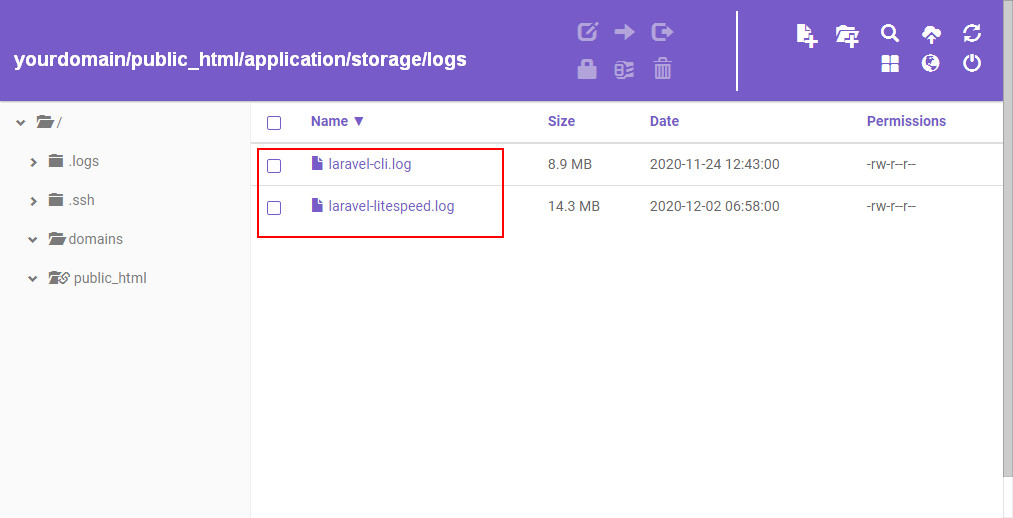
Note: Your error logs may be named differently to the ones shown on the image above. Log naming is based on your web hosting server type.
Error logs can be viewed with a plain text editor like notepad or using any other text editor.