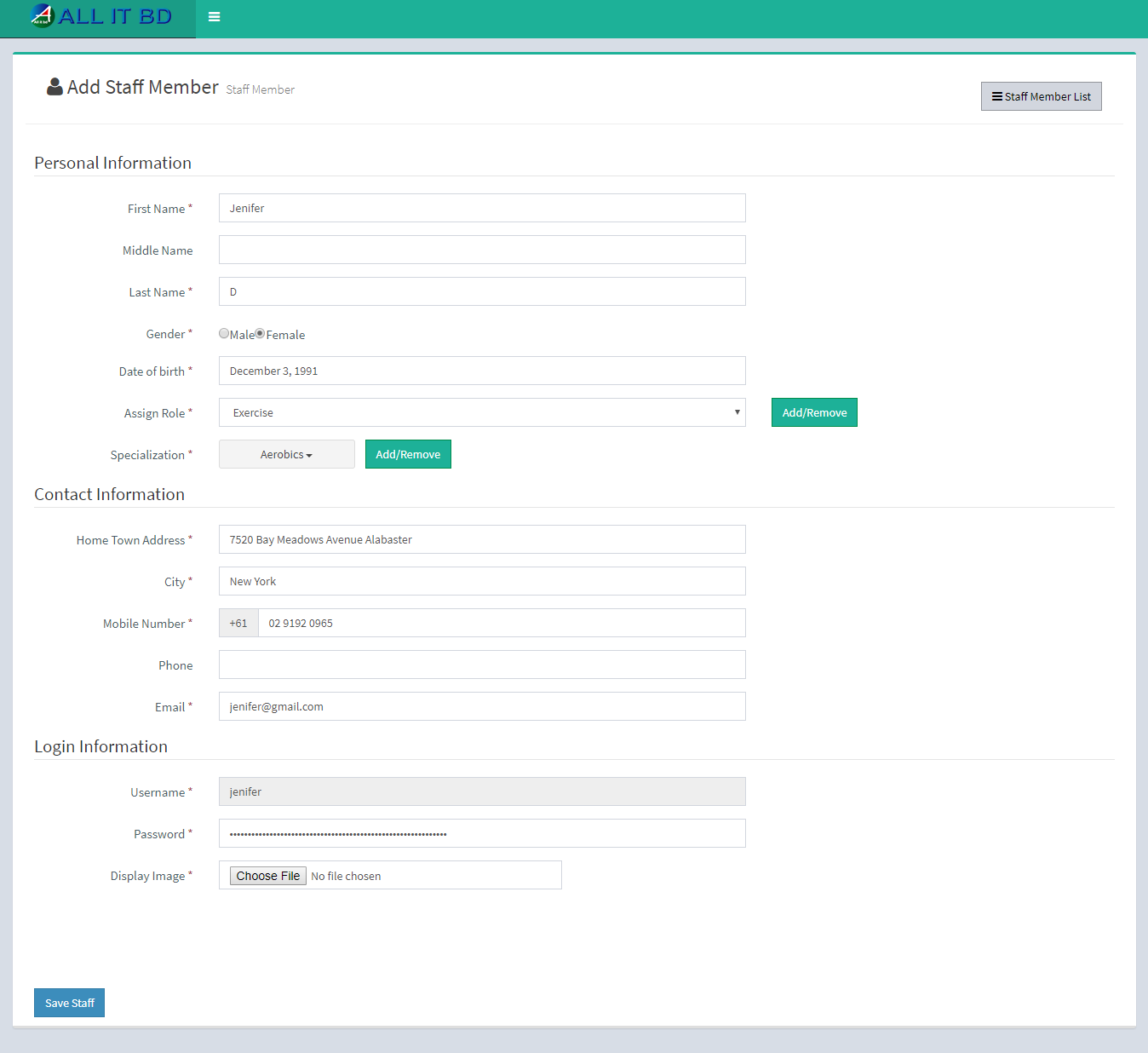
- Name: Enter new staff member name.
- Assign Role: Select role for new staff member.
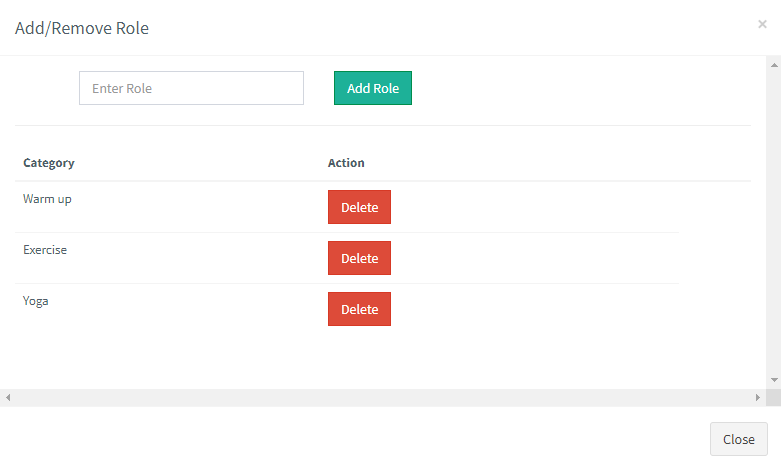
- Add Or Remove: If desired role is not there in the list and you want to add new role then click on Add Or Remove button. you can add new role from here.
- Specialization: Select specialization of staff member. You can also “multi select” specialization for any staff member.
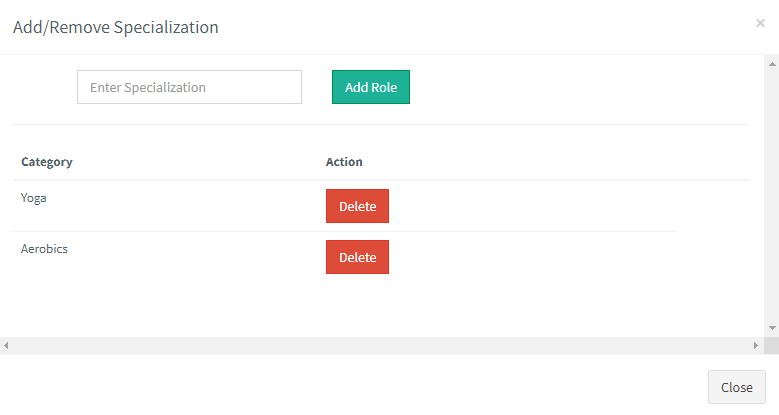
- Add Or Remove: If desired specialization is not in the list and you want to add specialization then click on Add Or Remove button. You can add new specialization from here.
- Home Town Address: Enter home town address of staff member.
- City: Enter city name of staff member.
- Mobile Number: Enter mobile number of staff member.
- Phone: Enter phone number of staff member.
- Email: Enter email id of staff member. Email ID must be unique.
- Username: Enter username to enable staff member login. Username must be unique.
- Password: Enter password of staff member for login.
- Image: Upload profile image of staff member.
Facebook Comments