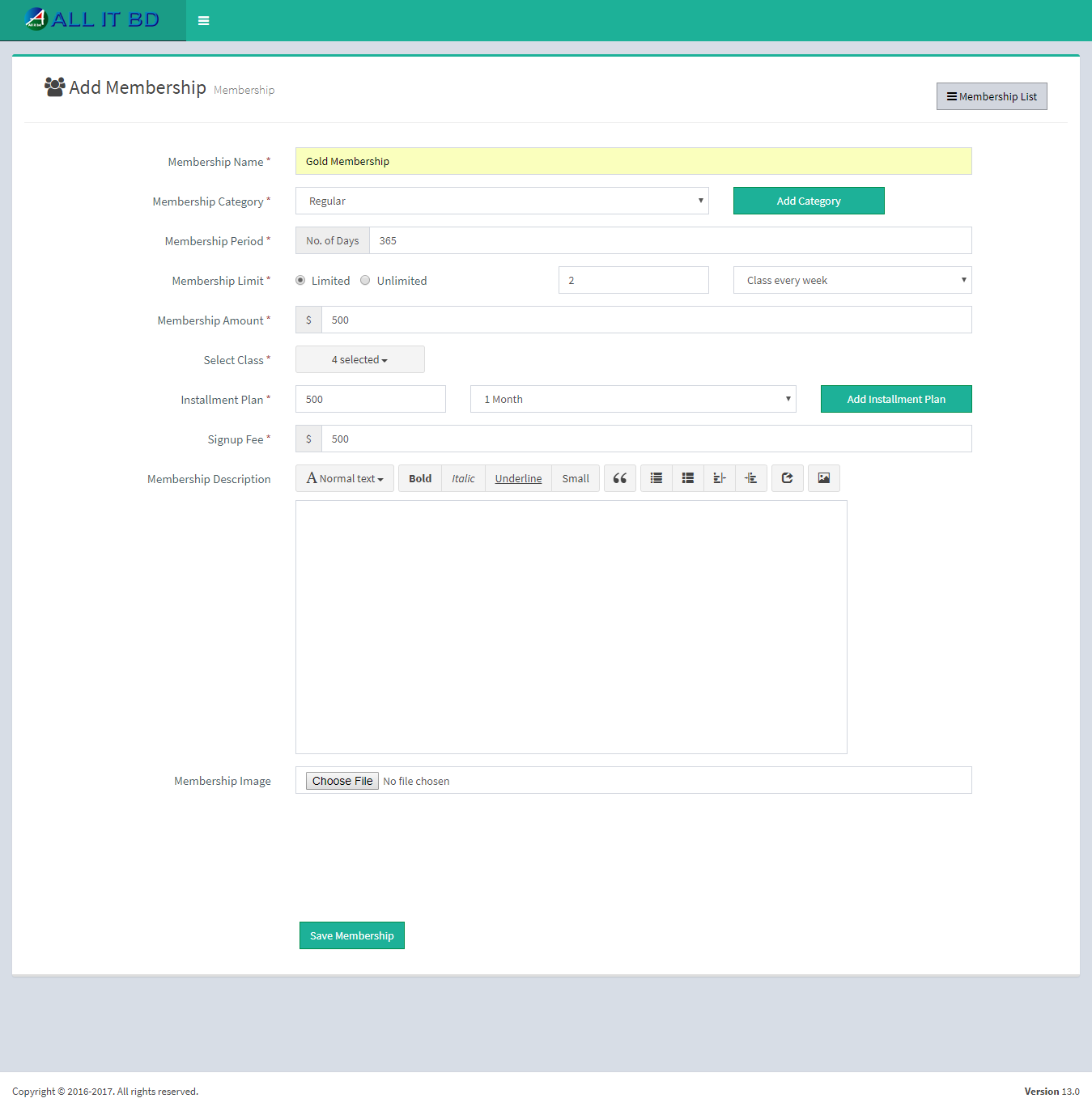
- Membership Name: Enter new membership name.
- Membership Category: Select membership category from the list.
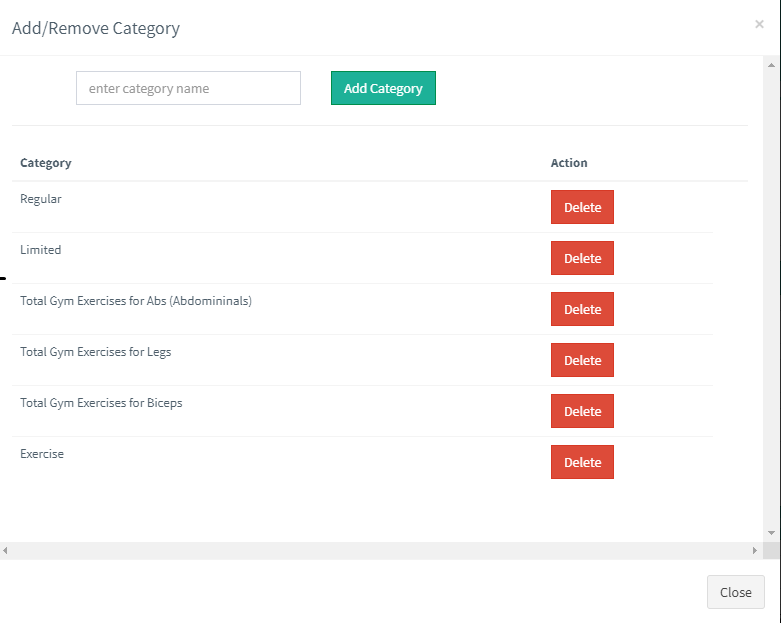
- Add Or Remove: If desired membership category is not available in list then click on Add Or Remove button. You can add new category from here.
- Membership Period: Enter membership period into total days.
- Members Limit: Select limit of members in this membership.
- Membership Amount : Enter amount of this membership.
- Select Class : Select your Class
- Installment Plan: Enter installment amount into first box and period in next box.
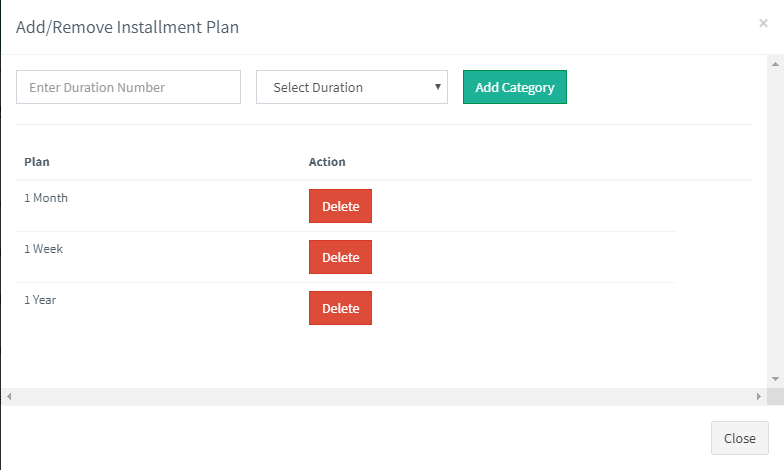
Add Or Remove: If Installment period you want to select is not in the list and if you want to add new period then click on Add Or Remove button. You can add new installment period from here.
- Signup Fee: Enter Signup Fee for membership.
- Membership Image: Upload image for this membership.
Facebook Comments