-
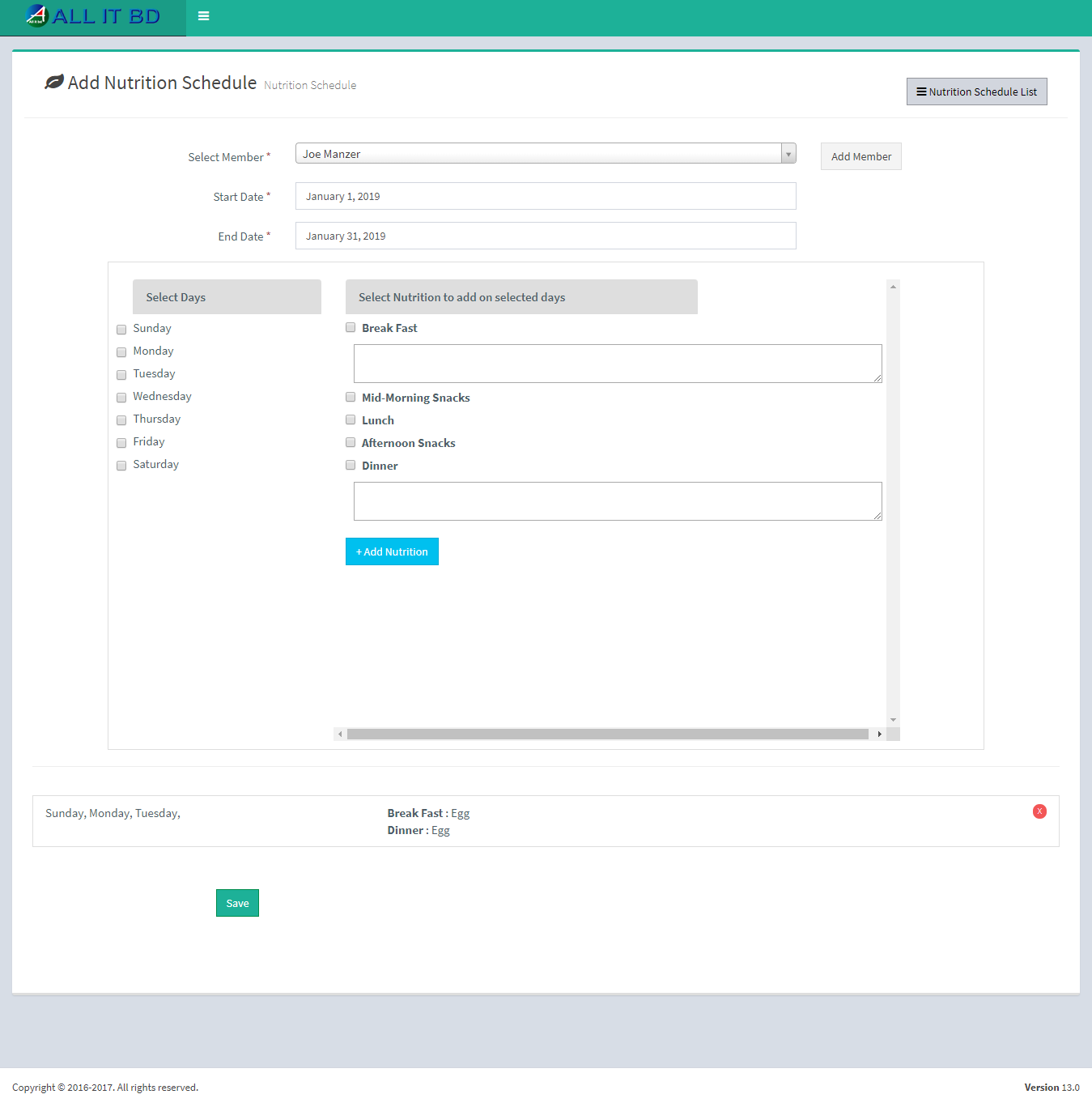
- Member: Select member to assign this nutrition schedule.
- Start Date: Enter start date for this nutrition schedule.
- End Date: Enter end date for this nutrition schedule.
- Step 1:Select weekdays for the schedule
- Step 2: After slecting weekdays you must select the time available in the rightside box. Repeat step 2 as per your choice.
- Step 3: After setting up nutrition taking time click on step-1 add Nutrition button to review this nutrition Schedule.
- Step 4: If you are happy with schedule, save this nutrition schedule. Click on Save button.
Facebook Comments