List Of RTO Taxes: Admin can add new RTO Taxes, RTO Taxes all RTO Taxes and view a complete list of all RTO Taxes.
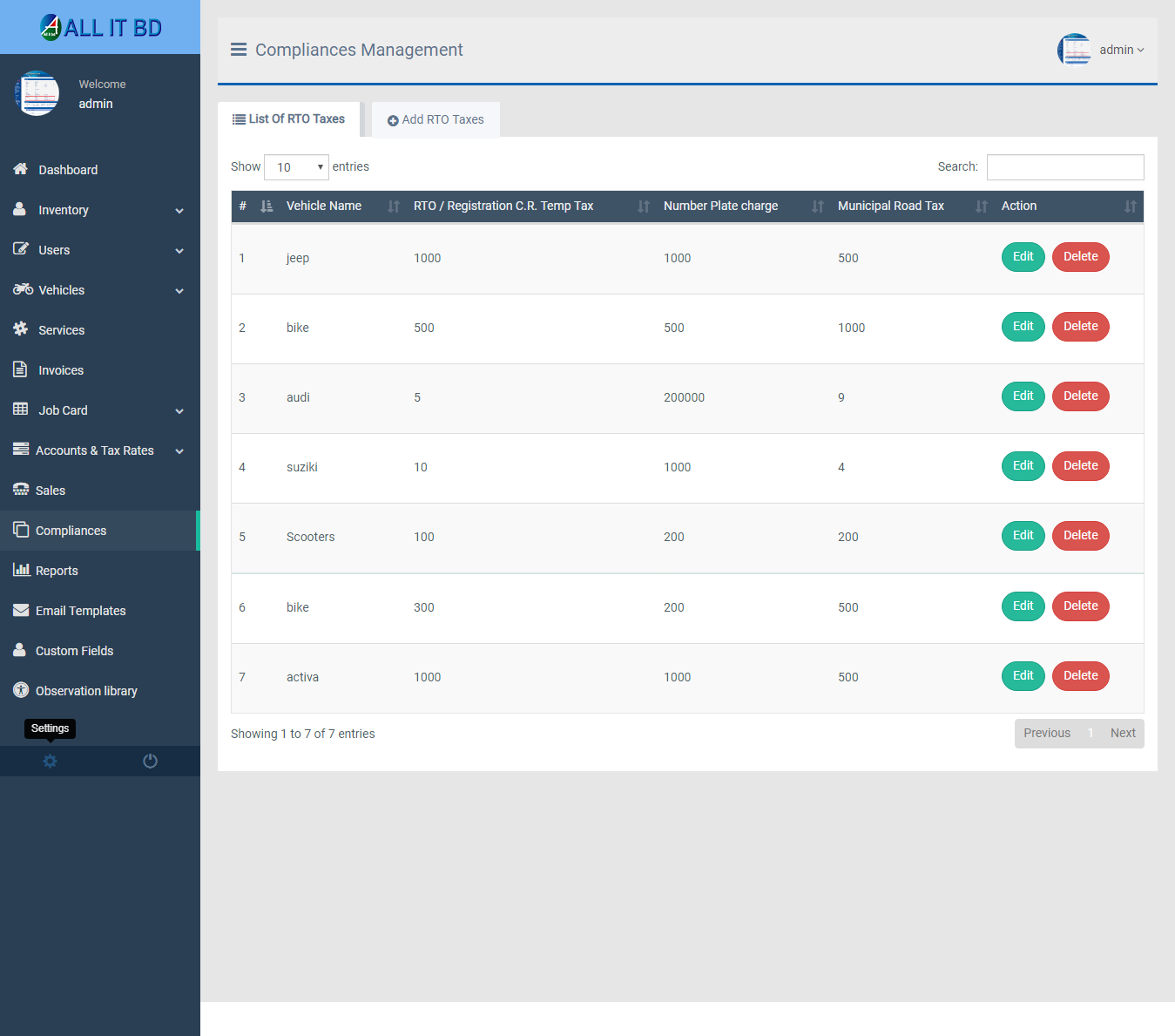
Add RTO Taxes: Admin can add RTO Taxes details
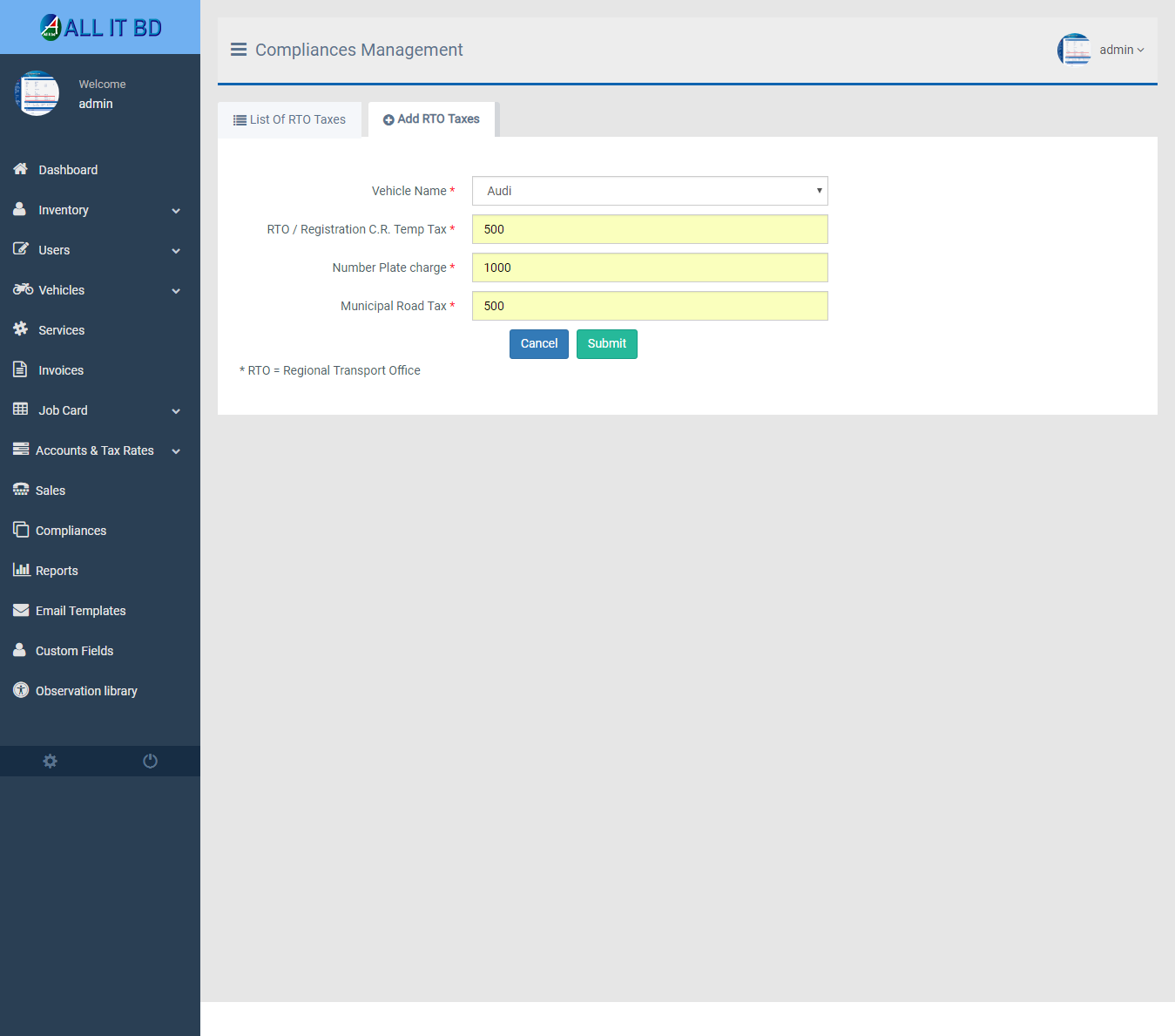
- Select Vehicle: Select vehicle for this RTO taxes.
- RTO/Registration C.R Temp Tax: Enter a new RTO/registration C.R temp tax for this RTO taxes.
- Number Plate Charge: Enter a new number plate charge for this RTO taxes.
- Municipal Road Tax: Enter a new municipal road tax for this RTO taxes.
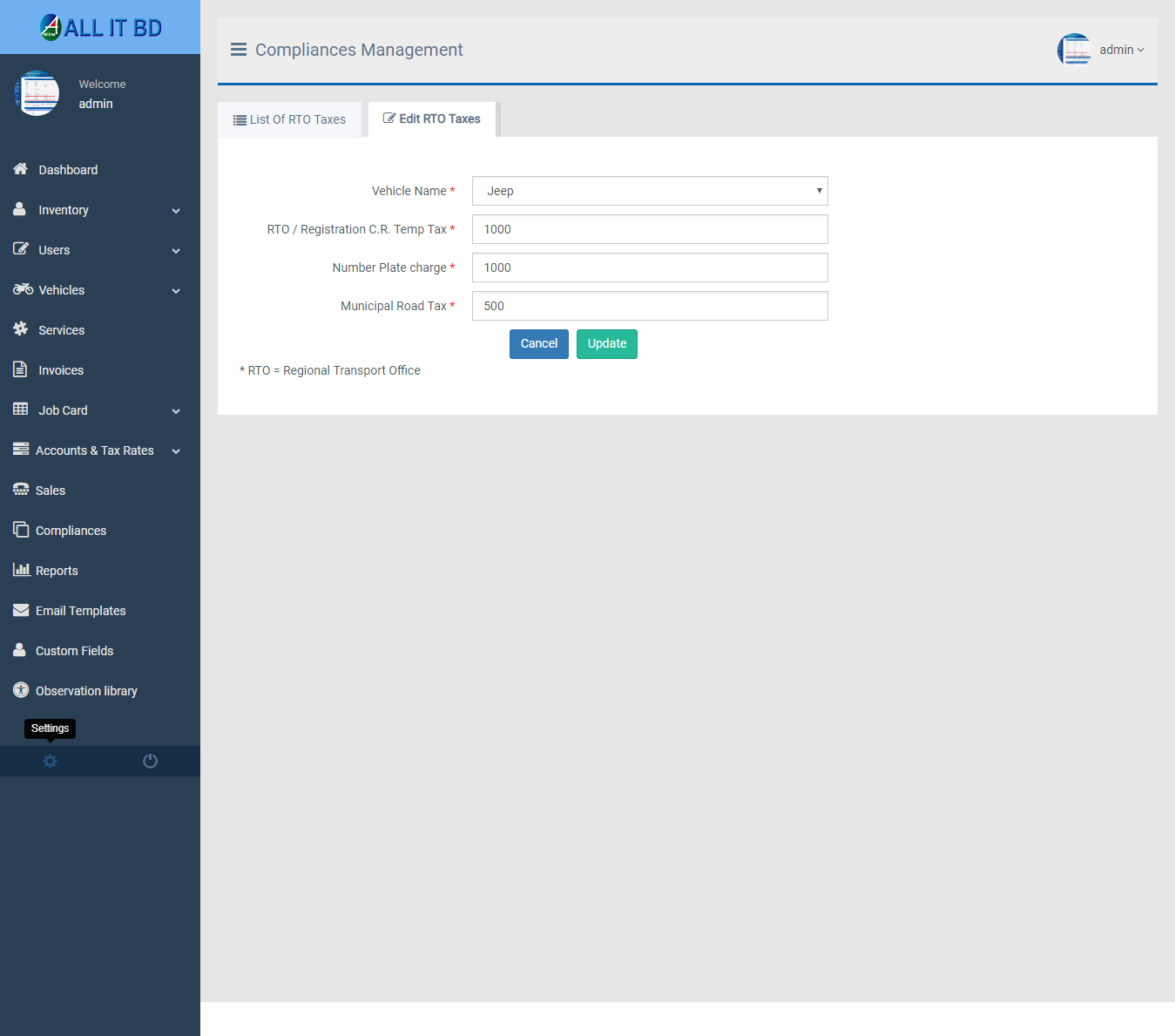
Edit RTO Taxes: Admin can Edit detail of particular RTO Taxes by clicking on Edit detail button. This will open up details. From here admin can Change RTO Taxes Details.
Delete RTO Taxes: Admin can delete a complete list of all RTO Taxes and delete detail of particular RTO Taxes type by clicking on delete detail button. This will delete details.
Facebook Comments