- Variations can be added from Products -> Variations menu.
- These variations are used in variable products product.
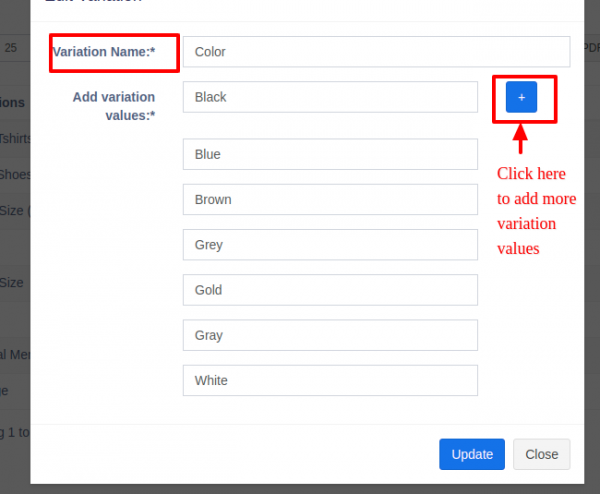
Example of variation is for example, a Jeans can have multiple colors, so add variation called Colors and provide the value for it. As given in the image below.
Facebook Comments